Desi captions, done right. In minutes.
By uploading a video to be edited using AI, you are agreeing to our Terms and have read our Privacy Policy.
Auto-generated captions that actually get Hinglish right in minutes.
From upload to captioned
Skip typing captions by hand. Jolle' AI editing transforms footage into a fully edited video that's ready to share.
Accurate, word by word
Jolle edits with taste, not just speed. Our AI understands your story and tailors edits to your specific footage. You have control if you want to change details.
No experience required
Never edited captions before? Pick a style, press play, and adjust anything you want with a click.
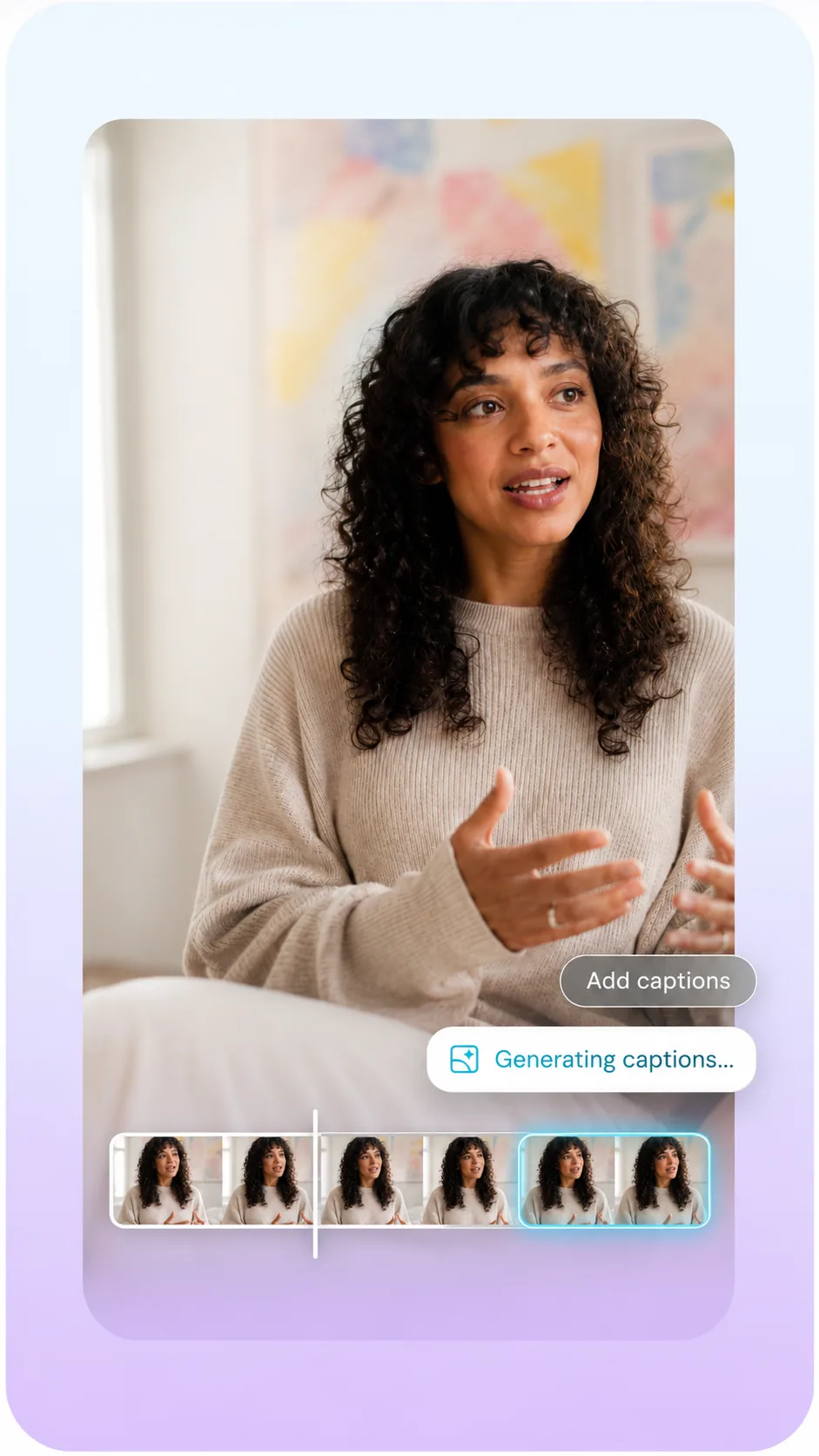
Upload a video. Get captions that fit it.
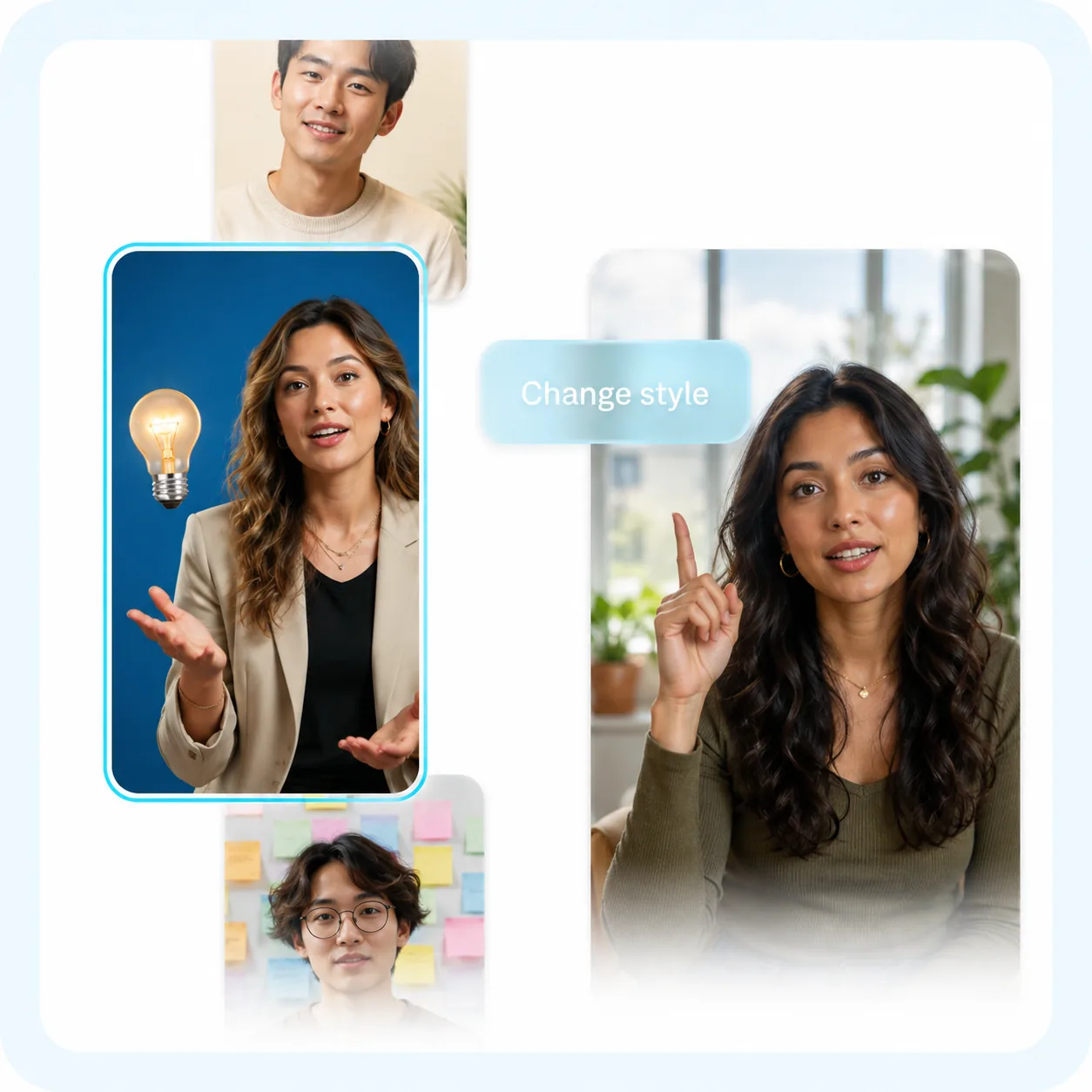
Caption styles
Watch your captions appear, styled and timed to every word. Pick a style, and Jolle automatically cuts scenes, overlays B-roll and more. You can also use Jolle to auto-generate captions or translated subtitles.
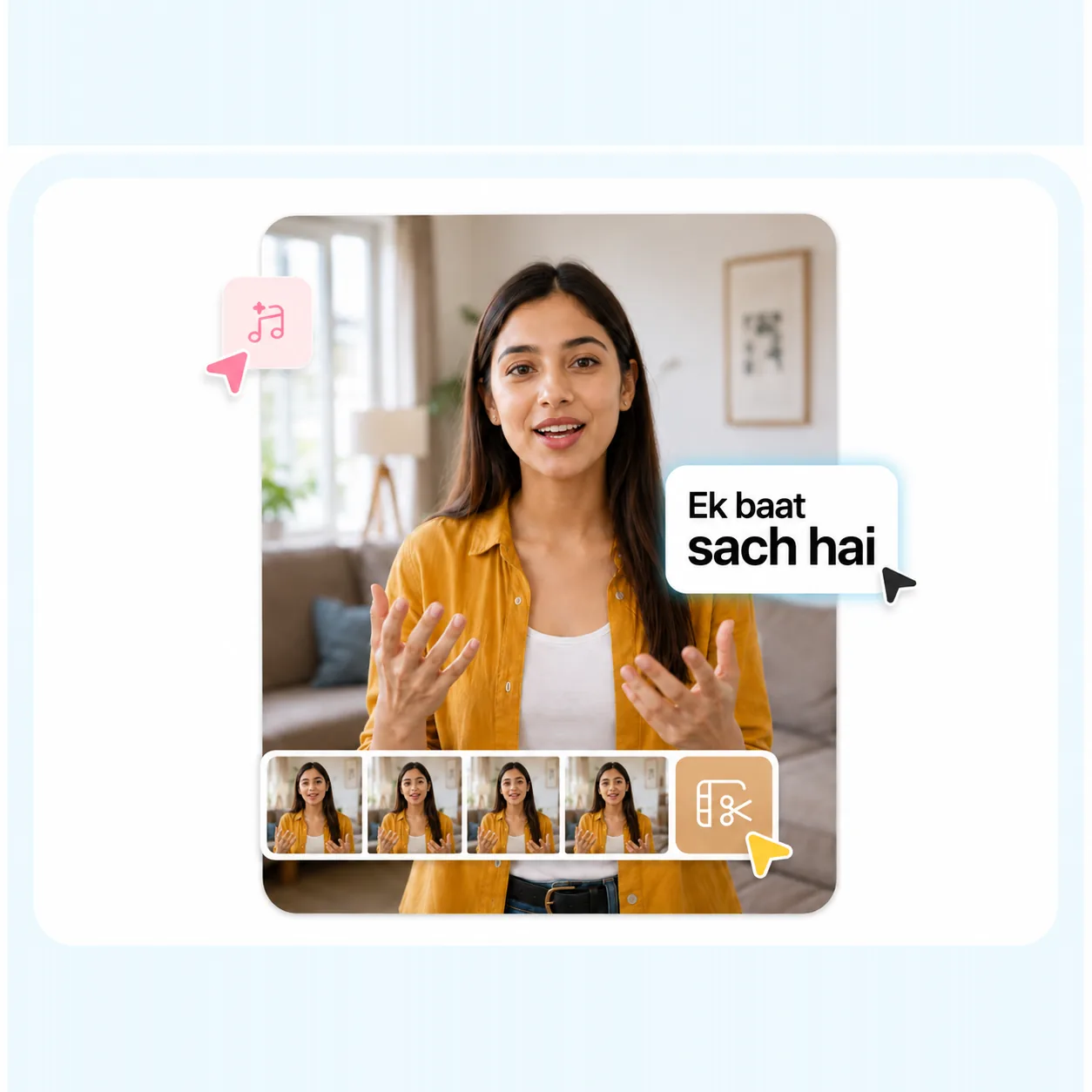
Emphasis words
Emphasise any word or choose from spotlight it for maximum impact. Emphasis is picked automatically from your transcript, and you can change it on any word at any time.
Everything you need for perfect captions.

Automatic captions
Transcribe any video and get every word timed for you.

Caption styles
Choose an animated style that matches your video.

Emphasis words

Word-level editing
Fix, split or move any single word without losing sync.

Full styling control
Set the font, colour, size and position exactly how you want.

Export in HD
Burn your captions in and download up to 4K.

Ready for social
Built for vertical video and the platforms you post to.

Edit the text
Correct a word once and replace it everywhere.

Search and replace
Fix a name or term across the whole transcript at once.
See the caption styles in action
Same video, three caption styles. It only takes a click to switch.
Elevate
Paper
Prime
As seen in








4K
100+
100+
Start creating
It’s free to sign up for Jolle, but you’ll want a subscription to access the best features. Explore our plans to pick the right one for you.
Simple pricing
Start free. Move up when you are publishing more.
Free
₹0
₹0
- 5 minutes of transcription
- Max video length: 2 min
- 720p export
- 5 GB storage
- One free clean export, then watermarked
Creator
₹499 /month
₹4,999 /year
- 2 hours of transcription
- Max video length: 15 min
- 1080p export
- 40 GB storage
- No watermark
- Top-up packs available
Studio
₹1,499 /month
₹14,999 /year
- 5 hours of transcription
- Max video length: 30 min
- 4K / 60fps export
- 150 GB storage
- No watermark
- Top-up packs available
Need more minutes?
Top-up packs for paid plans. They never expire, and your plan's own minutes are used first.
Prices in Indian rupees. You can change or cancel your plan at any time.
Frequently asked questions
What is the Jolle app?
Jolle is an AI video editor that produces fully-edited videos. You can upload existing footage and use easy AI editing tools to finish the project. You can also use Jolle to generate entirely new footage, without having to record on your own. Jolle guides you through suggested edits with its AI editor, empowering you to make any video you want, regardless of expertise.
How do I get Jolle?
Jolle runs in your browser, on your phone or your computer. To start, sign up here. Or, open Jolle in any browser — there is nothing to install.
Is Jolle free to use?
Jolle is free to start, and you can access some features without a subscription. To unlock all capabilities and get professional-quality videos, you’ll want to sign up for one of our paid plans.
What’s the best AI video editor for content creators?
The best AI video editor helps you create professional-quality content fast, without advanced editing skills—and that's exactly what Jolle is built for. Unlike traditional editors, Jolle uses AI to handle time-consuming tasks automatically, editing your entire video in just a couple of taps. Whether you're making short-form social videos, ads, tutorials, or promotional content, Jolle delivers studio-quality results in minutes, making it a top choice for creators who want speed, quality, and accessibility all in one app.
What types of videos can Jolle edit?
You can edit a wide range of video types and formats, including vertical and horizontal video. Jolle works well for social content, video ads, podcast clips, tutorials, product assets, and more.
Does Jolle edit my whole video for me?
Yes! Jolle is designed to remove the heavy lifting so you can do the entire video all in one app. It handles everything from start to finish so you never have to edit by hand again. Once you upload or record your video, Jolle automatically edits and stylizes your video with custom zooms, B-roll, music, transitions, and more. You can use our simple editor for any tweaks you want, but the time-consuming and specialized tasks are handled for you.